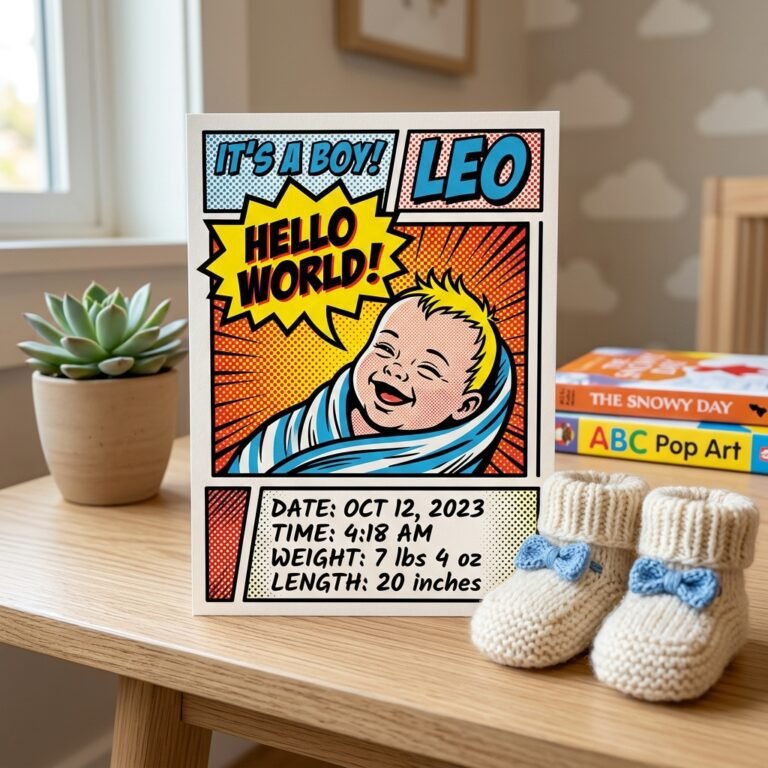
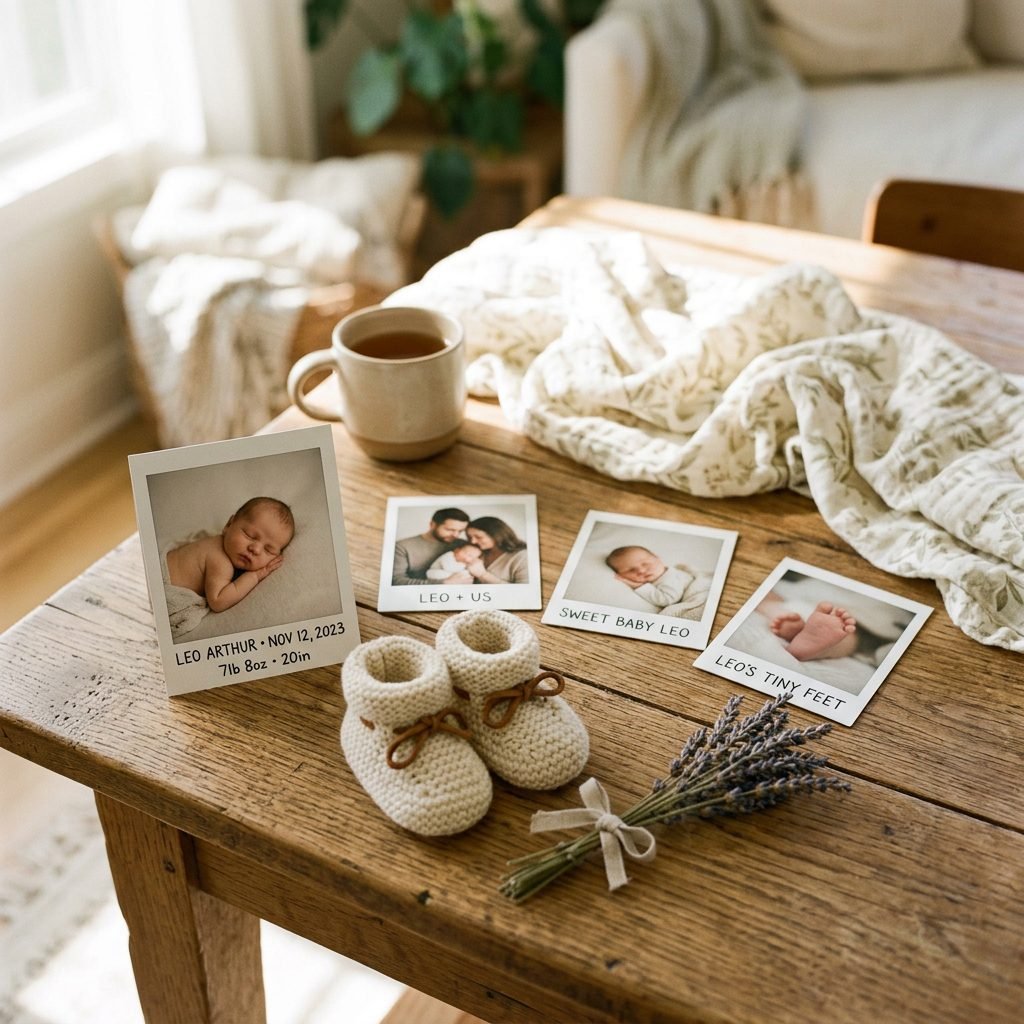
8 Adorable Polaroid-Style Birth Announcement Ideas to Share Your Joy
Welcome to the Fourth Trimester Glow, Mama!
There is something undeniably magical about the instant click-and-whir of a Polaroid camera. In a world of fleeting digital scrolls, that iconic white-bordered square feels permanent, tactile, and deeply nostalgic. As a doula, I’ve seen firsthand how the first few weeks of motherhood are a whirlwind of oxytocin-soaked snuggles, sleepless nights, and the overwhelming desire to freeze time. A Polaroid-style birth announcement isn’t just a notification; it’s a tangible piece of your heart that your loved ones can pin to their refrigerators or tuck into their journals.
Whether you are a crafty mama who loves the smell of fresh ink or a busy new parent looking for a quick digital template that mimics that vintage vibe, I am here to guide you. We’re going to explore eight creative ways to announce your little one’s arrival with that classic, retro charm. Let’s dive into how you can share your joy with style, warmth, and a little bit of DIY magic.
The Classic Minimalist: Focus on the Face
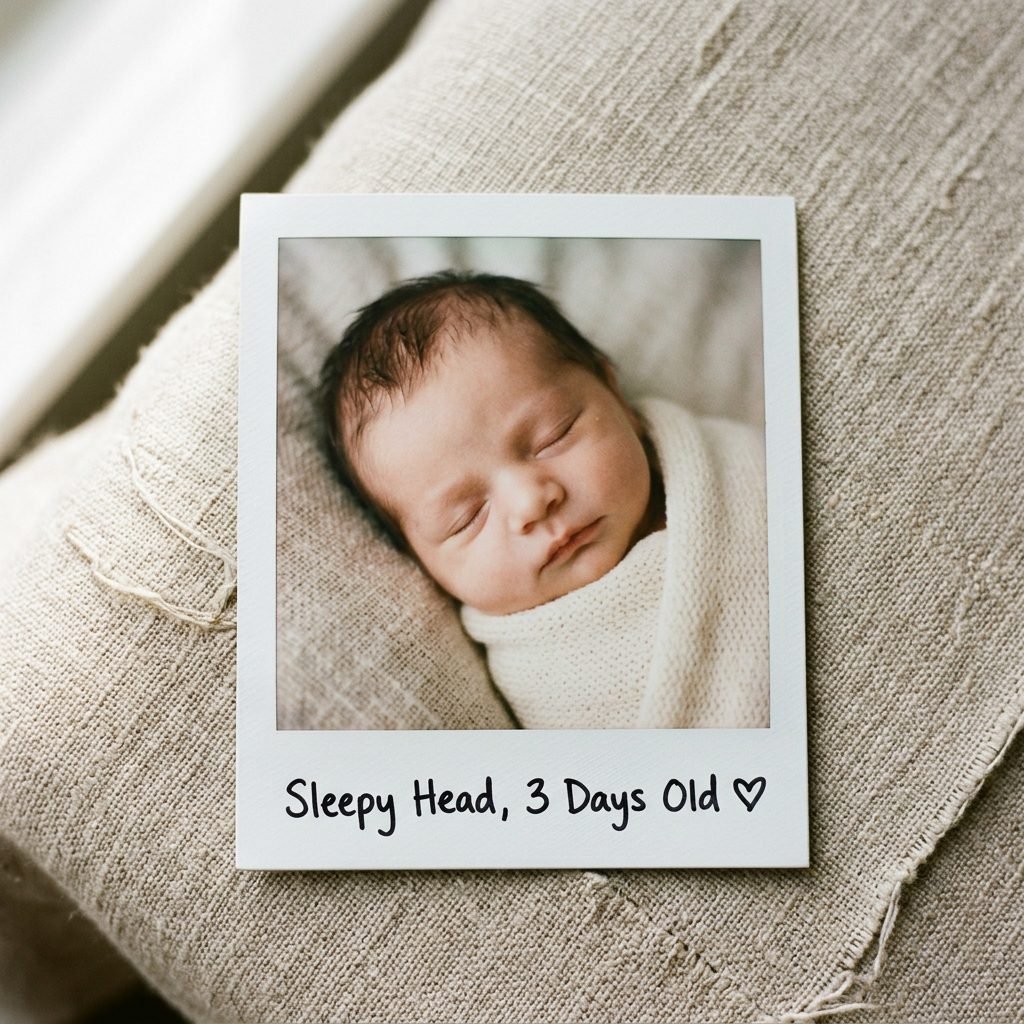
Sometimes, the most powerful statement is the simplest one. The classic minimalist Polaroid approach puts your baby’s sweet features front and center. For this look, you want a high-quality, close-up shot of your newborn’s face—perhaps while they are peacefully sleeping or giving that first, reflexive ‘milk smile.’
How to Achieve the Look
- Lighting is Everything: Position your baby near a large window for soft, natural ‘north light.’ Avoid harsh, direct sunlight which can cause squinting or yellow tones.
- The Caption: Use a black fine-tip permanent marker to write the baby’s name and birth date in the white space at the bottom. Keep your handwriting natural and slightly imperfect for that authentic feel.
- The Digital Shortcut: If you don’t have an instant camera, use an app like Instasize or Canva to add a Polaroid frame to a high-resolution phone photo.
“In the simplicity of your baby’s face, the whole world finds its peace. Let the photo speak what words cannot.”
The ‘Nursery Flat Lay’ Aesthetic
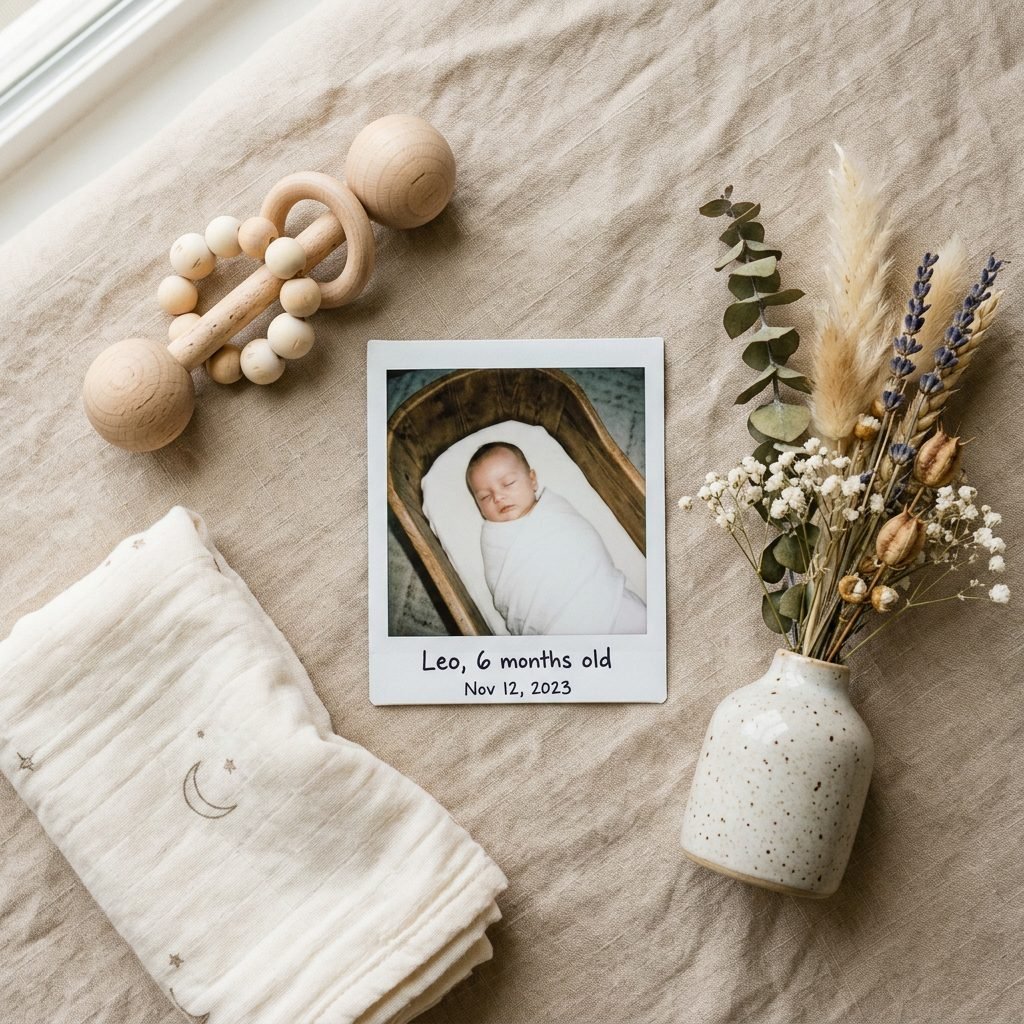
For the nursery designer and the organized mama, the flat lay is a dream come true. This style tells a story about the world you’ve prepared for your little one. By surrounding the ‘Polaroid’ with meaningful items, you create a rich, visual narrative of those early days.
Curating Your Flat Lay
- The Essentials: Include a wooden name sign, a tiny pair of leather moccasins, and a pacifier in a muted, earthy tone.
- The Texture: Use a chunky knit blanket or a waffle-weave swaddle as your background. This adds depth and warmth to the announcement.
- The Golden Rule: Keep the color palette cohesive. If your nursery is boho-themed, stick to terracotta, sage, and cream tones.
This method is particularly lovely for social media announcements. You can take a physical Polaroid and place it in the center of the flat lay, then photograph the entire scene from above.
The Sibling and Pet Introduction
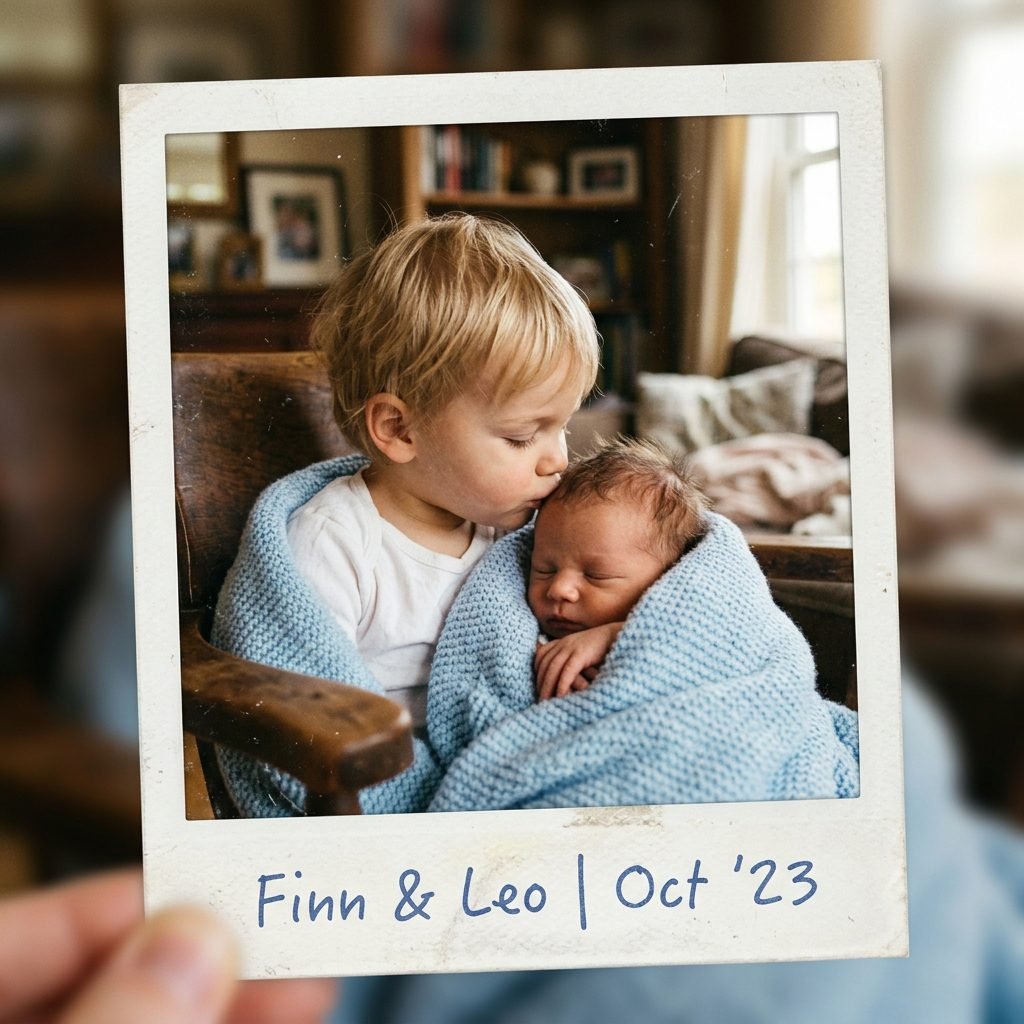
Is there anything more heart-melting than a big brother or sister meeting the new arrival? Capturing this ‘first hello’ in a Polaroid format adds a layer of timelessness to an already emotional moment. As a doula, I always recommend keeping these sessions low-pressure and ‘candid’ rather than forced.
Tips for a Stress-Free Shoot
- The ‘Safe’ Snuggle: Have the older sibling sit in a large, comfortable armchair and place the baby in their lap (with adult hands just out of frame for safety).
- The Furry Friend: If including a pet, ensure they are calm and well-rested. A Polaroid of a dog sniffing a tiny baby foot is a classic ‘paws-and-all’ favorite.
- Capture the Chaos: Don’t worry if the toddler isn’t looking at the camera. A shot of them kissing the baby’s forehead is pure gold.
These announcements feel like a page out of a family scrapbook, emphasizing that your family has grown by two feet (or four!).
The ‘Hospital Fresh’ 48-Hour Shot
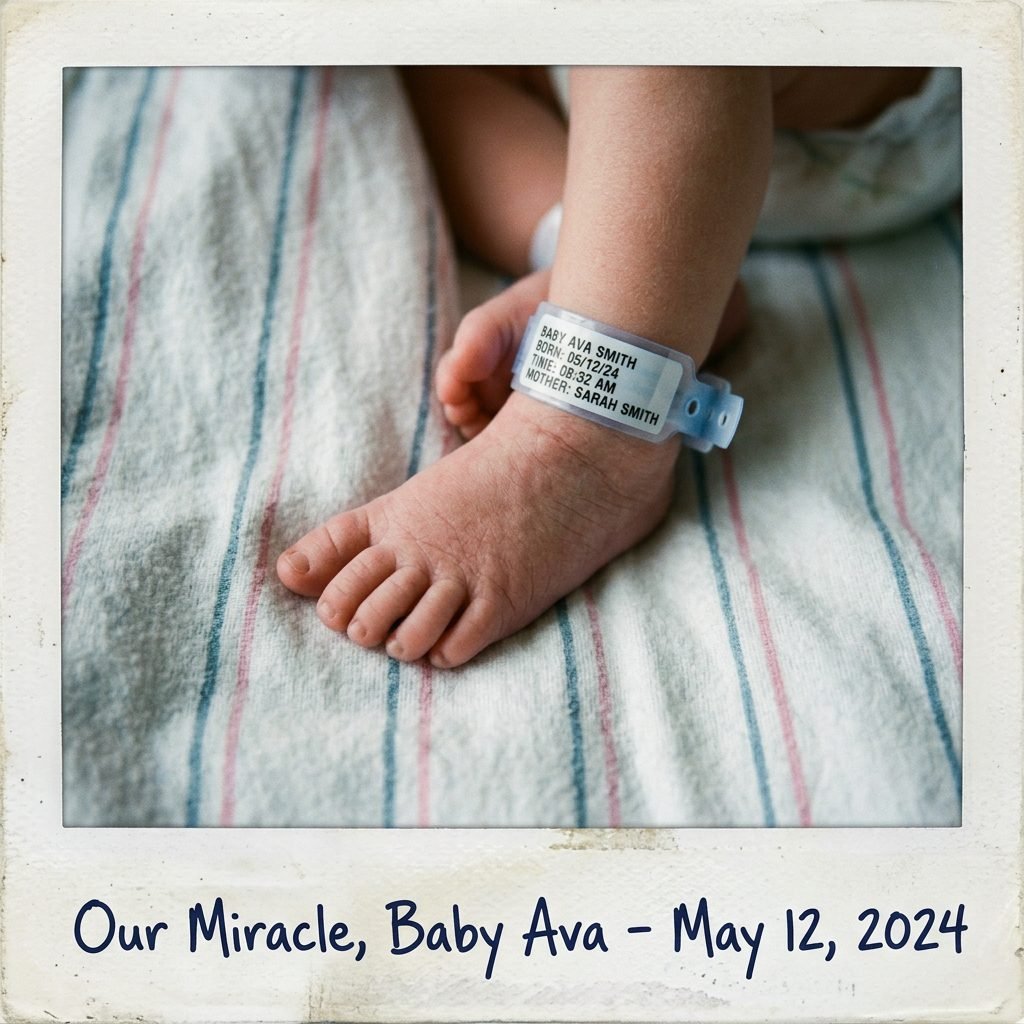
There is a raw, beautiful energy in the first 48 hours after birth. The ‘Hospital Fresh’ Polaroid captures the ‘just-born’ magic—the hospital bracelets, the striped receiving blankets, and the tiny, wrinkled toes. This style is for the mama who wants to share the authentic journey of labor and delivery.
What to Include in the Frame
- The Details: Focus on the hospital ID band around the baby’s ankle or the ‘Crib Card’ provided by the nurses.
- The Swaddle: Use the classic hospital-issued blue and pink striped blanket for an instantly recognizable ‘newborn’ look.
- The Emotion: A Polaroid of mama’s hand holding baby’s hand captures the scale and the newness of the bond.
Because hospital lighting can be tricky (often fluorescent and green-toned), try to take these photos during the day with the curtains wide open. If the light is still ‘off,’ a black-and-white filter can make the photo look high-end and editorial.
Seasonal and Holiday Themes
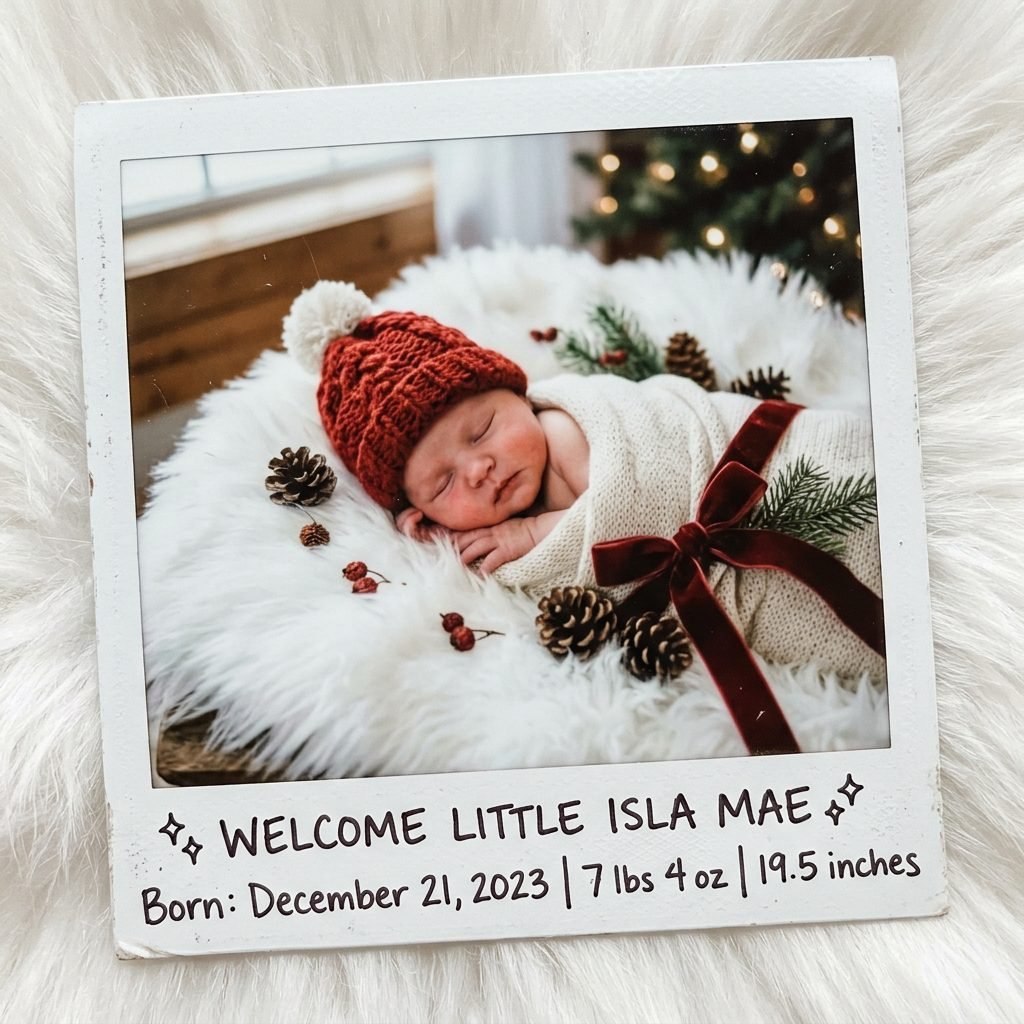
If your little one arrives near a holiday, leaning into the season can make your announcement feel even more festive. Whether it’s a ‘Spring Chick’ or a ‘Winter Wonder,’ seasonal Polaroids are incredibly charming and easy to style with items you likely already have around the house.
Seasonal Inspiration Table
| Season | Prop Ideas | Caption Suggestion |
|---|---|---|
| Spring | Fresh tulips, moss, tiny bunny ears | “Our little sprout has arrived!” |
| Summer | Mini sunglasses, sunflowers, seashells | “Hello, Sunshine!” |
| Autumn | Mini pumpkins, dried leaves, acorns | “The best pick of the patch.” |
| Winter | Pine branches, velvet ribbons, faux snow | “Our little snowflake is here.” |
Pro-Tip: Don’t over-clutter the frame. One or two seasonal elements are enough to set the mood without distracting from your baby’s face.
The ‘Birth Stats’ Handwritten Layout
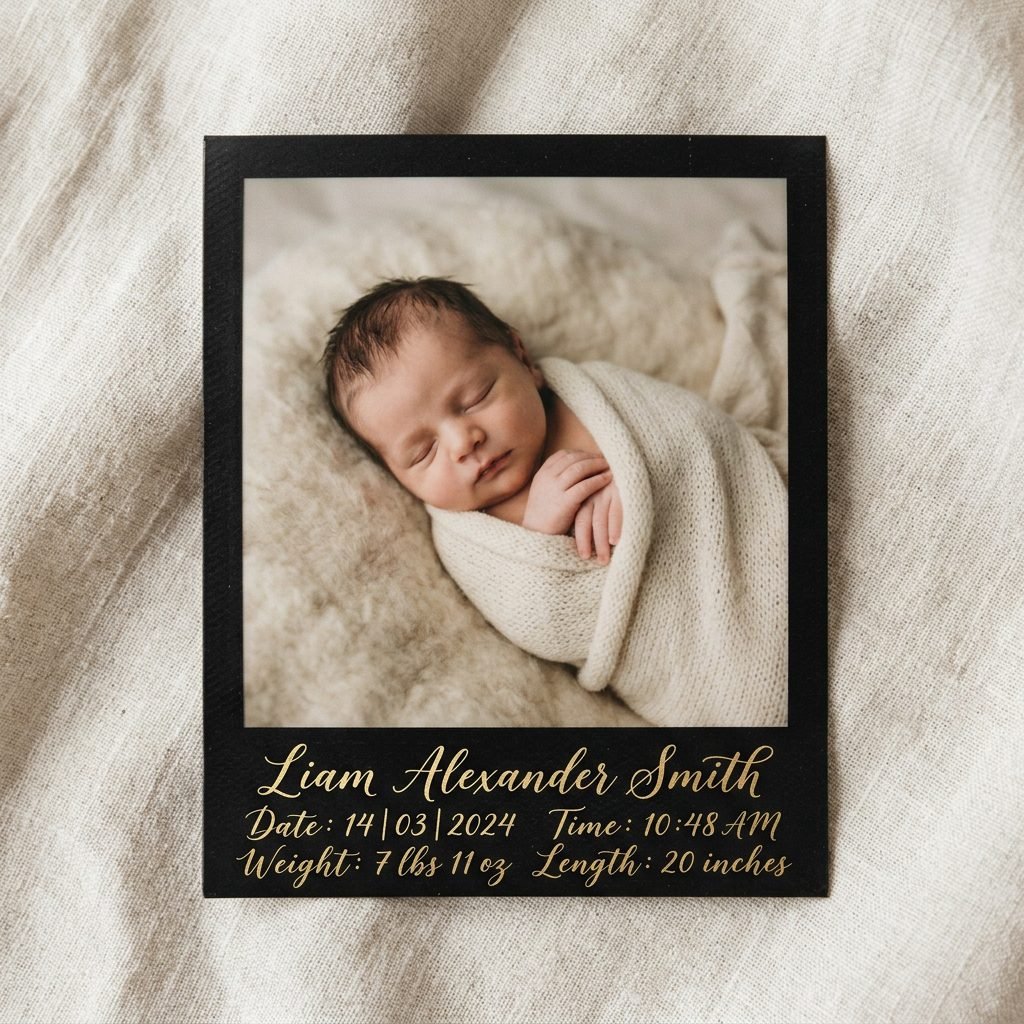
One of the most practical uses of the Polaroid format is the ability to write directly on the announcement. For family members who live far away, having the birth statistics—weight, length, and time of birth—right on the photo is a wonderful keepsake.
How to Format Your Stats
- Top Margin: Use the very top (if using a digital template) for the baby’s full name.
- Bottom Margin: This is the traditional spot for the date.
- The Back: If you are sending physical prints, don’t forget to write a little note on the back! Mention who the baby looks like or a sweet detail about their personality.
“7 lbs 6 oz of pure heaven. Born at 4:12 AM, just as the birds began to sing.”
Using a metallic gold or silver marker on a black-bordered Polaroid (available from brands like Instax) creates a sophisticated, high-contrast look that feels very special.
DIY Crafting: Washi Tape and Twine
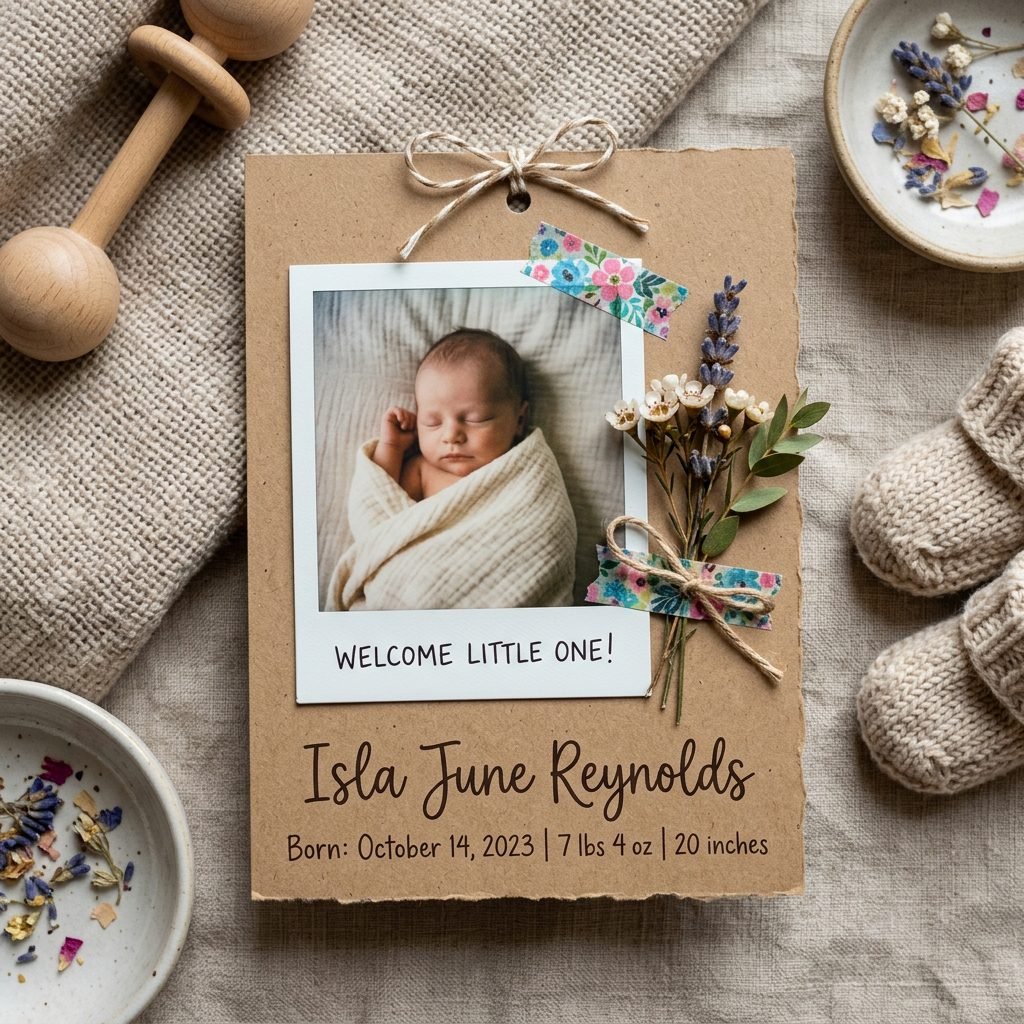
For my crafty mamas and baby shower planners, turning the announcement into a mini-art project is a way to process the joy of your new arrival. You can turn a simple photo into a 3D keepsake using just a few scrapbooking supplies.
Step-by-Step DIY Embellishment
- The Base: Start with your Polaroid photo (either a real one or a cardstock printout).
- The Texture: Use a small piece of floral washi tape to ‘attach’ a sprig of dried baby’s breath to the corner of the frame.
- The Hang: Punch a tiny hole in the top and thread through some baker’s twine. This allows recipients to hang the announcement on their holiday tree or a photo wire.
- The Seal: If mailing, use a wax seal on the envelope featuring a baby-themed stamp like a stork or a heart.
This tactile approach shows your loved ones that you took a moment of ‘slow living’ amidst the newborn haze to create something beautiful for them.
Budget Breakdown: Printing and Supplies
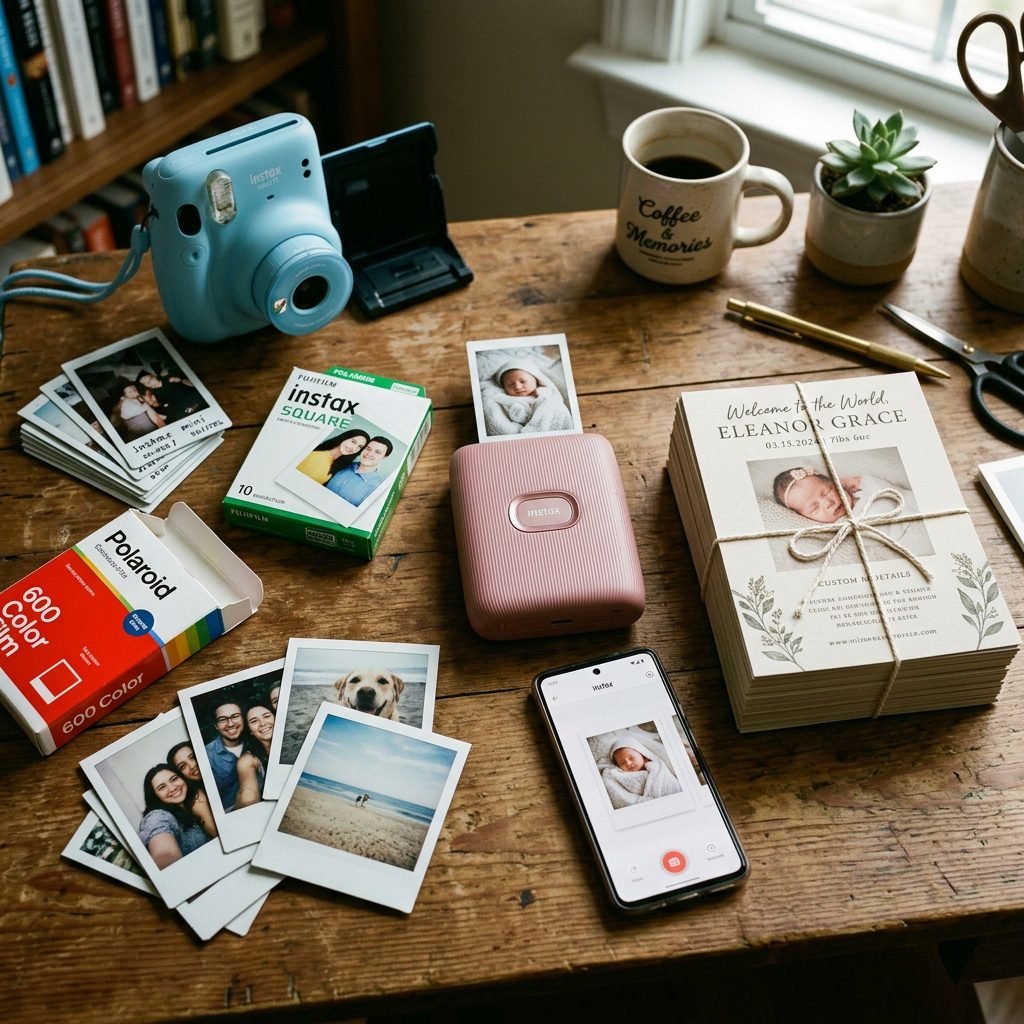
I know that the postpartum period can be an expensive time with all the new gear and diapers. Creating beautiful announcements doesn’t have to break the bank. Here is a breakdown of the costs for different Polaroid-style options so you can choose what fits your family budget.
| Method | Estimated Cost | Pros | Cons |
|---|---|---|---|
| Real Instant Film | $1.00 – $1.50 per photo | Authentic, immediate, no printing delay. | Can be blurry; no ‘undo’ button. |
| Digital Templates | $0.00 – $15.00 (one-time) | Perfect results; unlimited edits. | Requires home printing or a pro lab. |
| Portable Photo Printer | $0.50 – $0.80 per photo | Prints from your phone; sticky-back film. | Initial cost of the printer ($80+). |
| Local Print Shop | $0.20 – $0.50 per card | Professional cardstock; bulk discounts. | Requires design time and pickup. |
Budget Hack: If you are on a tight budget, design a ‘4-up’ layout on a standard 4×6 photo print at a local pharmacy, then cut them out manually. You’ll get four mini-Polaroids for the price of one standard print!
Conclusion
Cherishing These Fleeting Moments
Mama, however you choose to share the news of your little one’s arrival, remember that the most important part is the love behind the lens. These Polaroid-style announcements are more than just paper and ink; they are the first official ‘hello’ from a new soul to the world. Whether you choose the raw honesty of a hospital shot or the curated beauty of a nursery flat lay, your friends and family will feel the warmth of your joy.
Take a deep breath, soak in that newborn scent, and don’t worry about perfection. The slight blur of a real Polaroid or the shaky handwriting on the margin only adds to the story of this beautiful, messy, wonderful transition into motherhood. You are doing an incredible job, and your ‘village’ is so ready to celebrate with you. Welcome to the world, little one!
Medical Disclaimer: While birth announcements are a joyful part of the postpartum experience, please remember to prioritize your physical and mental recovery. If you feel overwhelmed or are experiencing symptoms of postpartum anxiety or depression, please reach out to your healthcare provider or a licensed doula for support. You are not alone.